MCUForge Cloud builds. Local flashing.

Build ESP32 C/C++ firmware in the browser.

Create ESP-IDF projects for GPIO, UART, I2C, SPI and FreeRTOS workflows, build them in Docker, inspect firmware artifacts, and flash ESP32 boards locally through Web Serial.

C/C++ ESP-IDF firmware
Examples GPIO UART I2C SPI
FreeRTOS task workflows
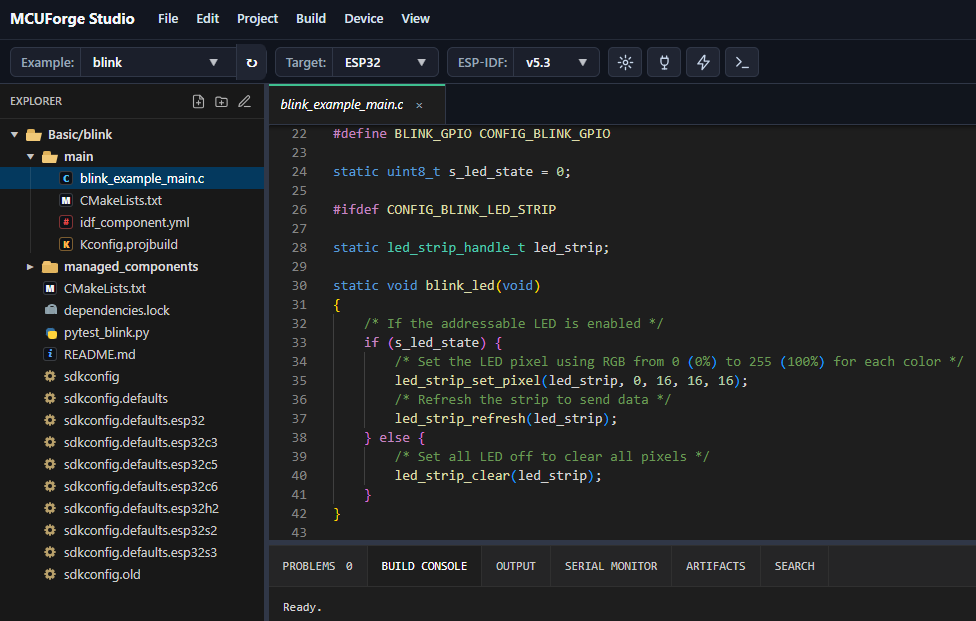
ESP32 Studio IDE showing an ESP-IDF blink project, file explorer, code editor, and build panels

Plans

Start free with MCUForge Studio.

Try the browser-to-board ESP32 workflow for ESP-IDF C/C++ and embedded projects.

Free

Available now

Current plan

Start with practical ESP-IDF C/C++ firmware for real boards.

  • ESP32 / ESP-IDF examples
  • C/C++ browser code editor
  • GPIO, UART, I2C and SPI examples
  • FreeRTOS project workflow
  • Edit and build C/C++ code
  • ESP-IDF cloud builds
  • Flash ESP32 from browser
  • Serial Monitor
  • Upload ESP-IDF project ZIP
  • Download Project ZIP
  • One cloud project
  • Build Console, Problems, Output and Artifacts views
Free limits
  • 1 cloud project
  • 10 builds per day or 200 builds per month
  • 50 MB ZIP upload limit
  • 100 MB extracted source limit
  • latest build artifacts only
Sign up for free

Pro

Coming soon

Waitlist

For developers who need more build capacity, deeper project history, and advanced ESP-IDF tooling.

  • Priority builds
  • Higher build limits
  • More cloud projects
  • Build & artifact history
  • ESP-IDF version selection
  • GitHub / Bitbucket integration
  • Partition table & NVS tools
  • Crash / backtrace decoder
  • Advanced build analytics
  • AI-assisted development

Real board workflow

Build in the cloud. Flash locally from Chrome.

Edit ESP-IDF C/C++ firmware online, build FreeRTOS projects in Docker, then flash your real board directly from Chrome.
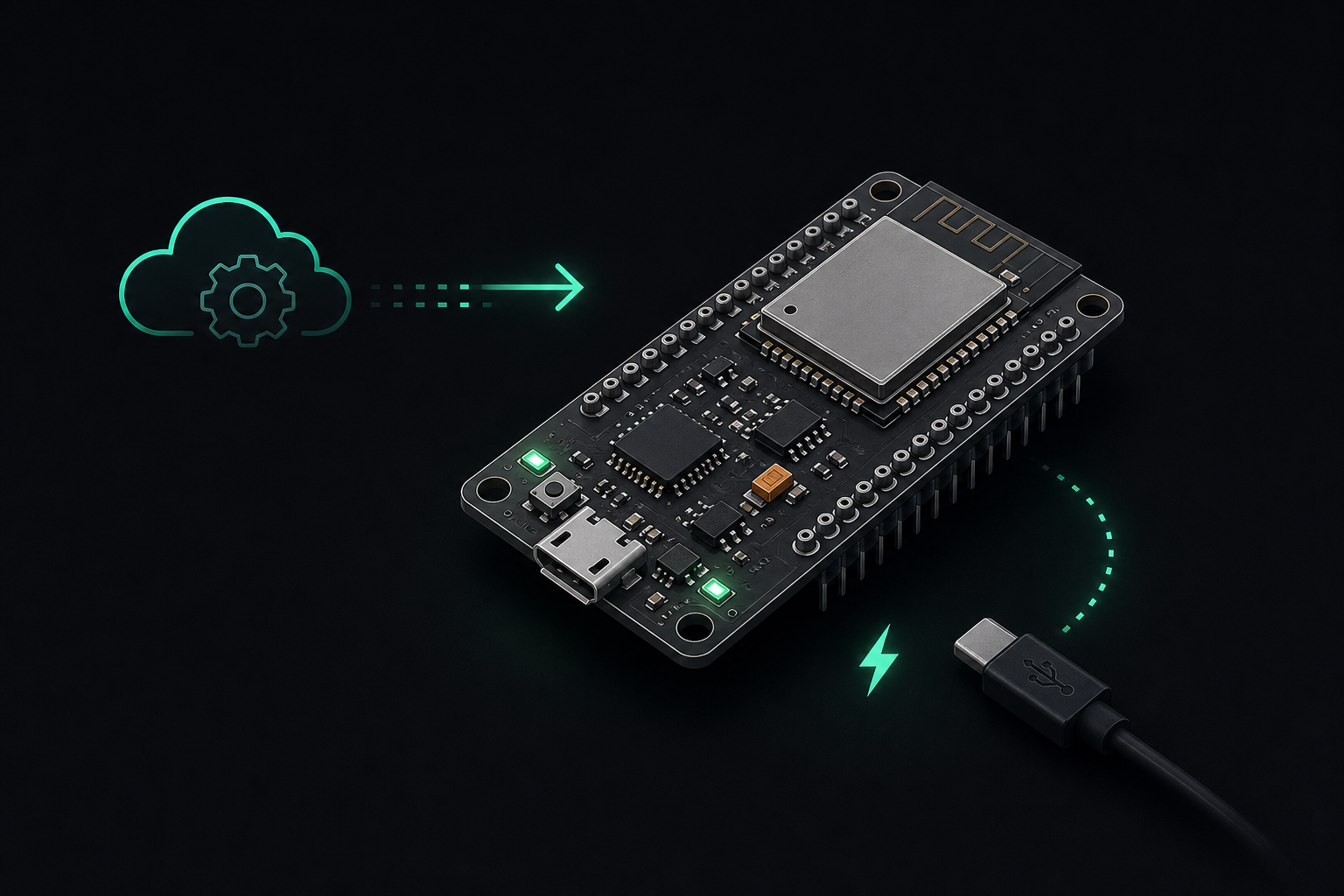
Stylized ESP32 board connected to a cloud build workflow

Embedded projects

GPIO, UART, I2C, SPI and FreeRTOS in one browser workspace.

Start from practical ESP-IDF examples, edit C/C++ source files, build in a controlled Docker environment, and work with the firmware artifacts you would expect locally.

C/C++ ESP-IDF projects

Edit firmware source, CMake files, sdkconfig, managed components, and build output in the browser.

Project examples

Work with GPIO, UART, I2C, SPI, PWM, timers, sensors, and board-level peripherals.

FreeRTOS workflow

Build task-based firmware with FreeRTOS tasks, queues, delays, event loops, and ESP-IDF components.

Practical templates

Start from hello_world, blink, GPIO, UART, NVS, timer, and Wi-Fi examples without recreating the same structure.

Docker ESP-IDF builds

Build in Docker instead of installing Python environments, ESP-IDF tools, compilers, and PATH configuration on every machine.

Real board flashing

Build remotely, inspect artifacts, flash locally from Chrome, then use Serial Monitor to watch board logs.

FreeRTOS and ESP-IDF

Low-level control without the setup friction.

ESP-IDF gives developers direct access to the ESP32 platform: components, configuration, peripherals, networking, flash layout, and production firmware artifacts.

MCUForge keeps that workflow intact for C/C++ firmware and FreeRTOS-based projects, but moves build setup into a repeatable Docker environment.

Repeatable ESP-IDF builds with direct access to the board on your desk.

Workflow

From example to flashed firmware

01

Choose a template

Open hello_world, blink, GPIO, UART, NVS, timer, or Wi-Fi examples.

02

Edit C/C++ firmware

Change source files, CMake, sdkconfig, FreeRTOS tasks, and project settings in the browser.

03

Build, flash, monitor

Compile artifacts in Docker, flash locally with Web Serial, then watch board logs.

New to MCUForge? Sign up for free

Forgot password or email?

Remembered it? Sign in

Ready? Sign in

Already have an account? Sign in